Still Running Windows XP on Your Factory Floor? Remote Access for Legacy OT Systems
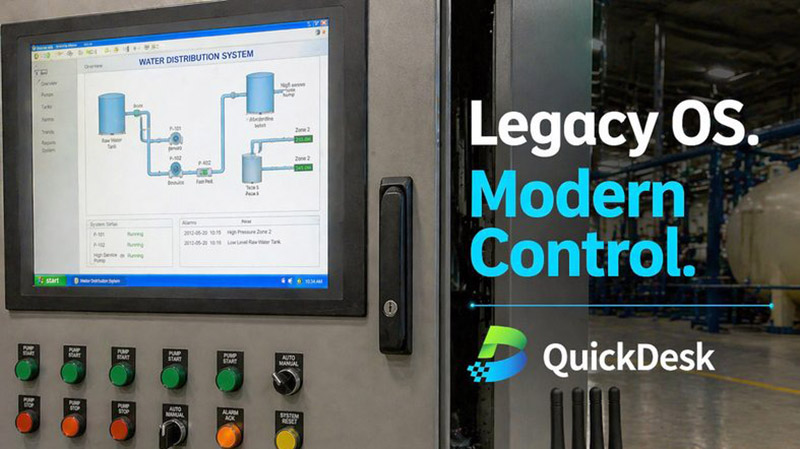
The Legacy System Challenge
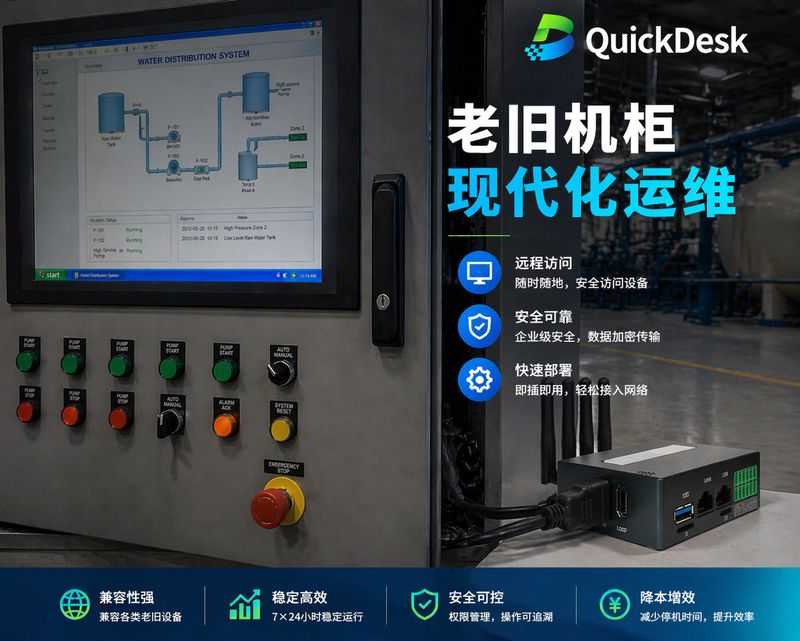
In industrial OT environments, machines running Windows XP, Windows 7, or proprietary real-time operating systems are often the backbone of production lines. These legacy consoles and complex PLC systems represent a remote maintenance nightmare:
- Traditional KVM only shows the screen — you can see the problem but often cannot interact with it meaningfully
- VPN deployment risks breaking air-gapped security — many OT environments mandate physical isolation from IT networks
- Software agents are incompatible — legacy systems cannot run modern remote access software
- Vendor support has ended — Windows XP and Windows 7 no longer receive security patches
The result? Engineers still travel to site for every issue, from a simple configuration change to a full system recovery.
QuickDesk: The Industrial Powerhouse
QuickDesk is designed specifically for OT professionals and automation engineers working with legacy and modern systems alike. It is more than a KVM — it is your 4G Jump Box for total rack control.
Why Lead Engineers Are Switching
- Hybrid Access Mode: Use 100% Local mode for air-gapped security requirements, or switch to Cloud-Ready mode for instant global access. No firewall holes required. Authenticate first, connect later.
- Manage the Whole Rack: Go beyond just viewing the screen. Control PLCs, routers, and Web GUIs through a single secure tunnel via RDP, VNC, SSH, or HTTP. One device commands the entire cabinet.
- Triple-Path Resilience: With 4G, Wi-Fi, and LAN failover — plus a hardware watchdog — you always have a "last resort" connection when the factory network fails. The device auto-recovers from network outages.
- Zero-Config Deployment: Ready to go in under 5 minutes. No complex IT setup, no software installation on any host device. Just plug into HDMI and USB, and you have full BIOS-level control.
Securing Legacy Without Compromise
QuickDesk's hardware-level approach means zero software footprint on any connected device. This is critical for:
- Regulated environments where installing third-party software is prohibited
- Air-gapped networks that must maintain physical isolation
- Legacy operating systems that cannot run modern remote access agents
- Medical and industrial systems with strict compliance requirements
The ZTNA (Zero Trust Network Architecture) ensures that every connection is authenticated before it is established. The device remains completely invisible to network scans — unauthorized users cannot even detect its presence.
FAQ
Does QuickDesk work with air-gapped networks?
Yes. QuickDesk supports a 100% Local LAN mode where all communication stays within the local network. No data leaves the premises. This mode is ideal for facilities with strict air-gap security policies, such as nuclear power plants, military installations, and pharmaceutical manufacturing.
Can QuickDesk access BIOS on legacy systems?
Absolutely. QuickDesk operates at the hardware level through HDMI and USB connections. It provides full BIOS-level access regardless of the operating system — whether it is Windows XP, DOS, a proprietary RTOS, or even a system with no OS at all.
What about serial console access for network equipment?
QuickDesk supports serial console connections through its built-in RS232/RS485 ports. This allows you to recover bricked routers, reconfigure managed switches, and access the command-line interface of network equipment — all without needing the network to be operational.