OEM Remote Support Lifeline: Sending Your Best Engineer in a Box

The OEM After-Sales Dilemma
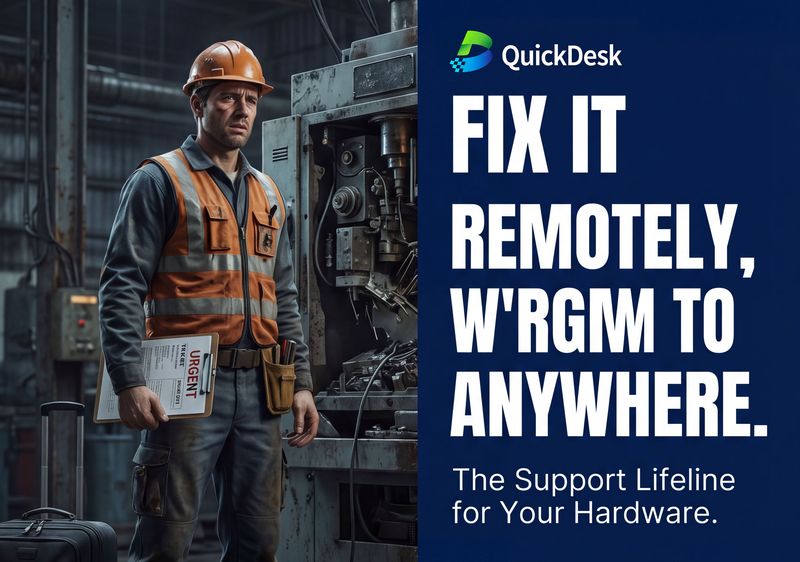
For equipment manufacturers, every truck roll is a heavy bill — travel costs, engineer hours, customer downtime, and SLA breach risk. The reality is stark: up to 60% of on-site issues could be resolved with a remote OS reinstall or a simple configuration tweak. You just need the right tool.
Traditional remote desktop software requires a functioning operating system. When the host OS crashes — the exact moment you need remote access most — those tools go offline with it. VPN solutions require complex network configuration and IT cooperation from the customer side, which is often impractical.
QuickDesk: The Support Lifeline
QuickDesk is the support lifeline for your hardware after-sales. Your customer simply plugs it in — you get BIOS-level access as if you were standing right there. Fix it remotely, from anywhere in the world.
Key Capabilities for OEM Support
- Independent 4G Channel: No need to ask customers to open firewall ports. 4G works independently, giving you direct access without any network configuration on their end.
- Remote OS Deployment: Reinstall an entire operating system from scratch remotely. Boot from a virtual ISO image, partition drives, and complete a full OS install — all without leaving your desk.
- Manage the Whole Rack: Go beyond the screen. Secure HTTP/TCP tunneling lets you control not just the server, but also routers, PLCs, and Web GUIs across the same network segment.
- Triple-Path Resilience: 4G + Wi-Fi + LAN failover ensures you are always connected — even when the customer's own network goes down. Your SLA stays intact.
- 5-Minute Deployment: Ship it to the customer site, plug it in, and your senior engineers take over remotely. Reduce truck roll costs by up to 80%.
Real-World Savings
A CNC machine tool manufacturer deployed QuickDesk across 50 customer sites:
| Metric | Before QuickDesk | After QuickDesk |
|---|---|---|
| Average On-site Dispatch per Month | 12 | 2 |
| Mean Time to Resolution | 24-48 hours | 30 minutes |
| Annual Travel Costs | $240,000 | $35,000 |
| Customer Satisfaction Score | 72% | 96% |
FAQ
How does QuickDesk bypass corporate firewalls?
QuickDesk uses an independent 4G cellular connection that operates completely outside the customer's corporate network. No firewall configuration, port forwarding, or VPN setup is required. The device establishes an outbound connection through ZTNA (Zero Trust Network Architecture), making it invisible to unauthorized scans.
Can QuickDesk reinstall an operating system remotely?
Yes. QuickDesk provides BIOS-level access, allowing you to boot from a virtual ISO image. You can partition drives, format disks, and install a fresh operating system — all from your browser. This eliminates the need for on-site visits for OS-related failures.
What happens if the customer unplugs or moves the device?
QuickDesk features auto-reconnect with persistent connection state. If the device loses power or network, it automatically reconnects once restored. All session data is preserved, so you can resume exactly where you left off.